What Is an IP Address?
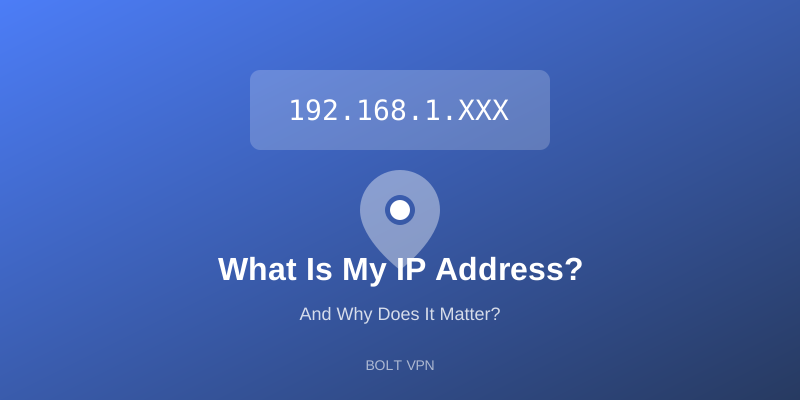
An IP (Internet Protocol) address is a unique string of numbers that identifies your device on the internet. It's like your home address, but for your online presence.
Example: 192.168.1.1 (IPv4) or 2001:0db8:85a3:0000:0000:8a2e:0370:7334 (IPv6)
What Your IP Address Reveals
Your Location
Your IP address can pinpoint your city, sometimes even your neighborhood.
Your ISP
It identifies your Internet Service Provider.
Your Browsing History
Combined with cookies, websites can build detailed profiles of your activity.
Your Identity (Potentially)
With a court order, ISPs can connect your IP to your real identity.
How Websites Use Your IP
- Geo-targeting ads based on your location
- Price discrimination (showing different prices based on location)
- Content restrictions based on your country
- Tracking your behavior across visits
How to Hide Your IP Address
1. Use a VPN (Best Option)
A VPN replaces your IP with the VPN server's IP, hiding your real location and identity.
2. Use Tor Browser
Tor routes traffic through multiple nodes, but it's slow.
3. Use a Proxy
Proxies hide your IP but don't encrypt your traffic.
Why Bolt VPN Is the Best Choice
Bolt VPN instantly masks your IP address with one tap. Benefits include:
- 40+ server locations - Appear to be anywhere in the world
- No logs - We don't record your activity
- WireGuard encryption - Military-grade security
- Free to start - Protect your privacy today
Check your IP before and after connecting to Bolt VPN to see the difference!